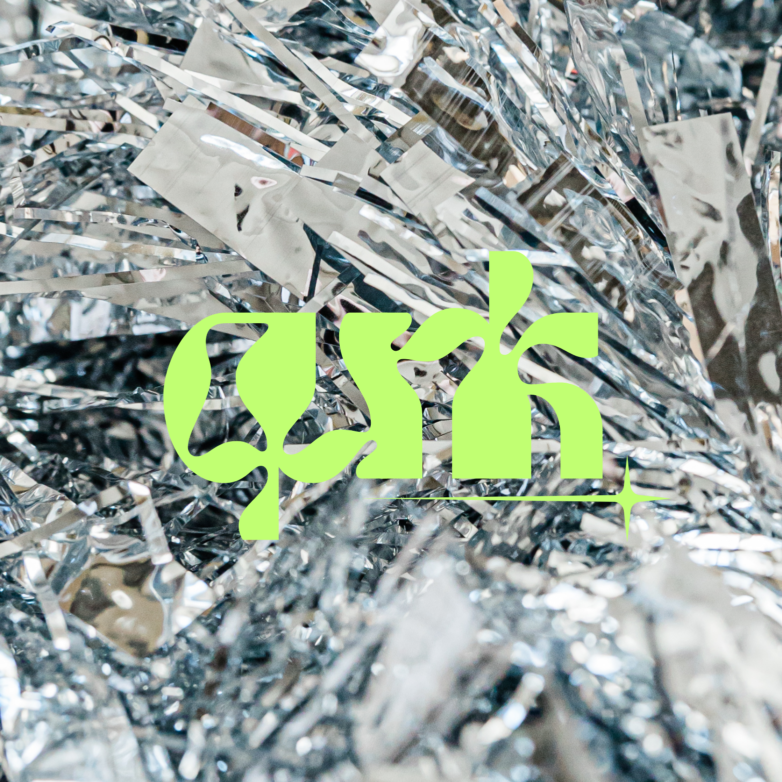
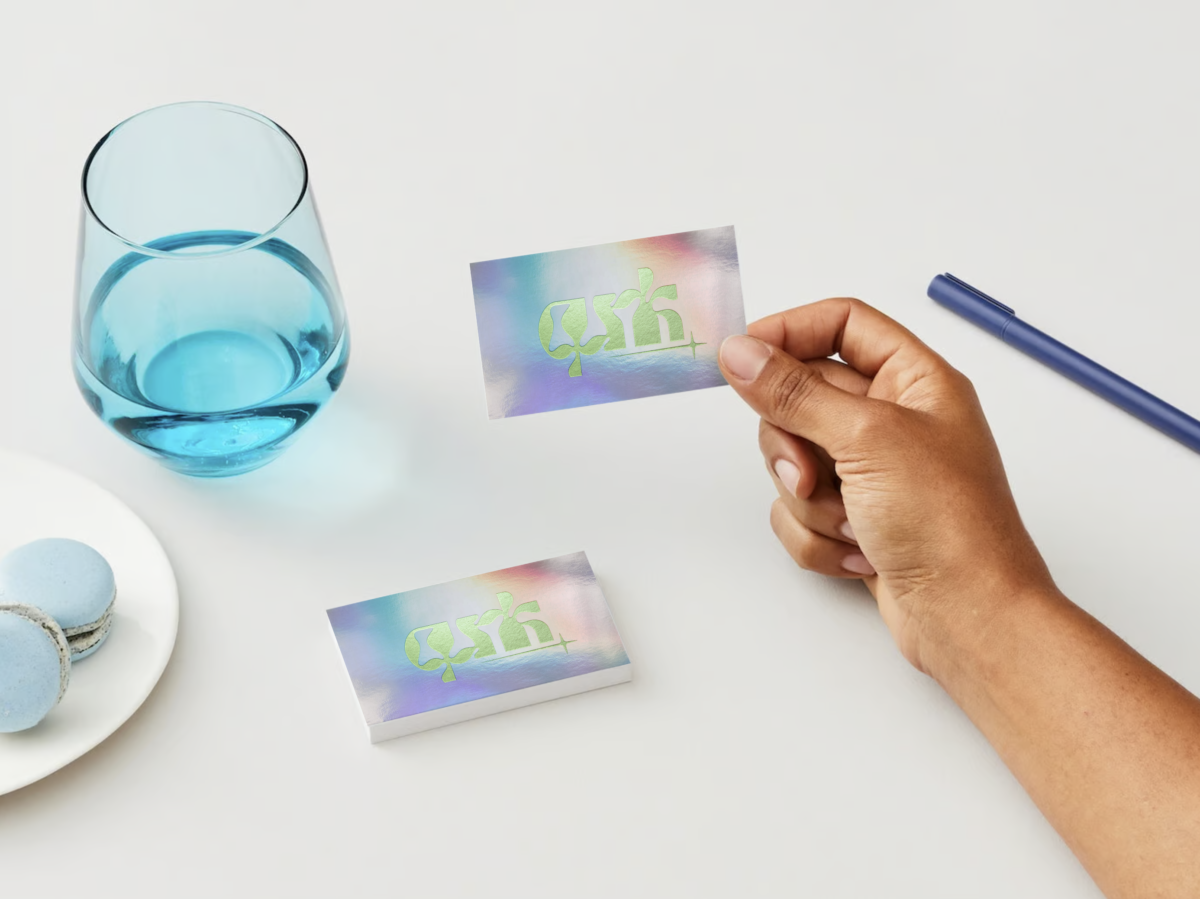
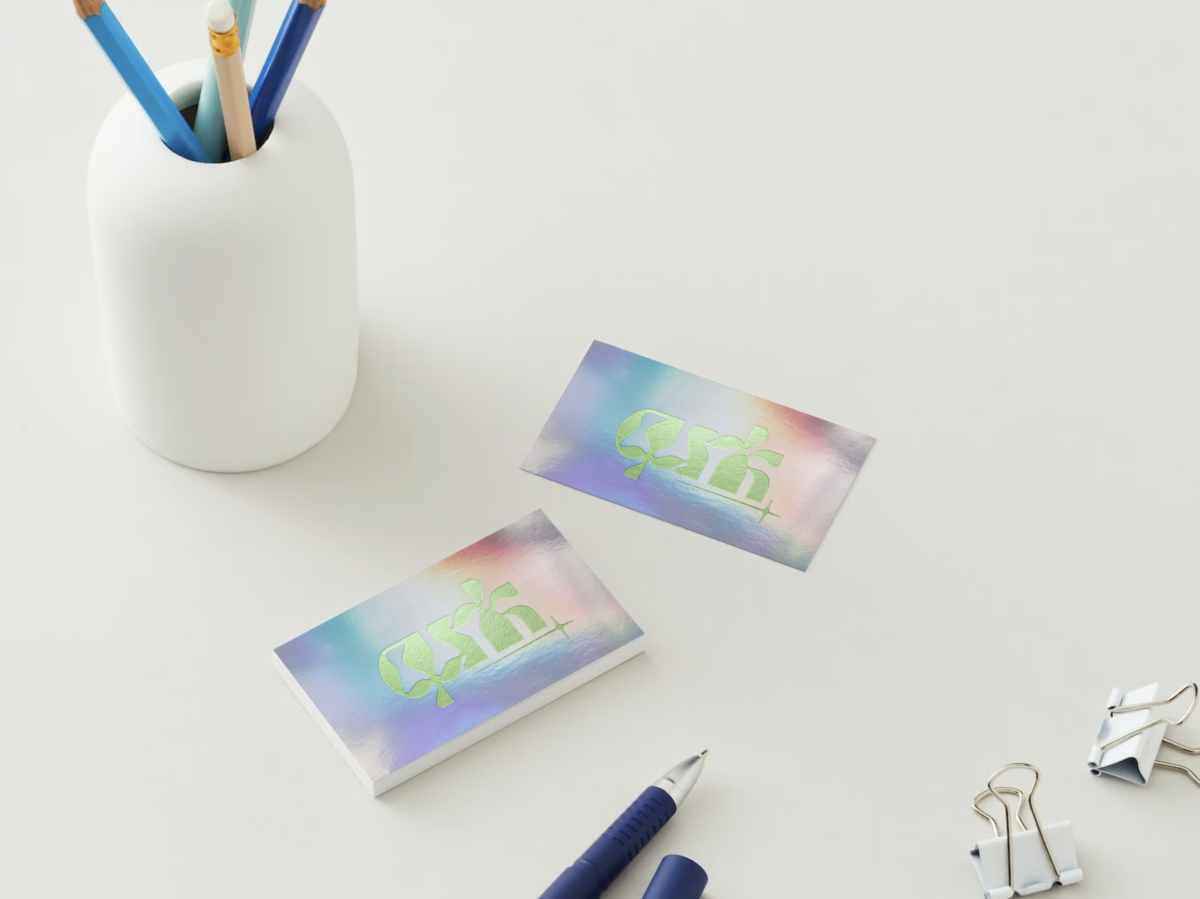
Create Free Y2K Logo—yes, you read that right! The Y2K aesthetic is everywhere in 2024, and I’m totally here for it. From fashion to home decor and now logo design, the bold, fun, and slightly futuristic vibe of Y2K is the ultimate way to make your brand stand out. Whether you’re starting a new creative studio (like the fictional “Qunk” I created for this tutorial) or just want to give your brand a fresh, trendy look, this guide will show you how to create a free Y2K logo—without needing any design skills.
What Is Y2K Style?
Let’s explore Y2K style. Think back to the late ’90s and early 2000s: the rise of the internet, shiny metallics, bubblegum pink, and those futuristic, techy vibes. It’s all about being bold, fun, and a touch nostalgic. Fast forward to 2024, and this style is trending again. Whether you want to embrace Y2K fully or just add a few retro-futuristic elements, this style will make your brand pop. And yes, you can create your logo with the right tools and tips.
Step 1: Choose Your Design Tool
You don’t need to hire a designer or pay for expensive software to create a free Y2K logo. My favorite tool? Canva. This online design platform is incredibly user-friendly, even for beginners. It’s free (with an optional Pro version worth considering), offers tons of cool features, and is perfect for achieving that Y2K look.
For a quick solution, use the free Y2K logo template from this tutorial. Grab it here and customize it to your heart’s content. (Note: a Canva Pro account is needed.)
Step 2: Select the Right Fonts
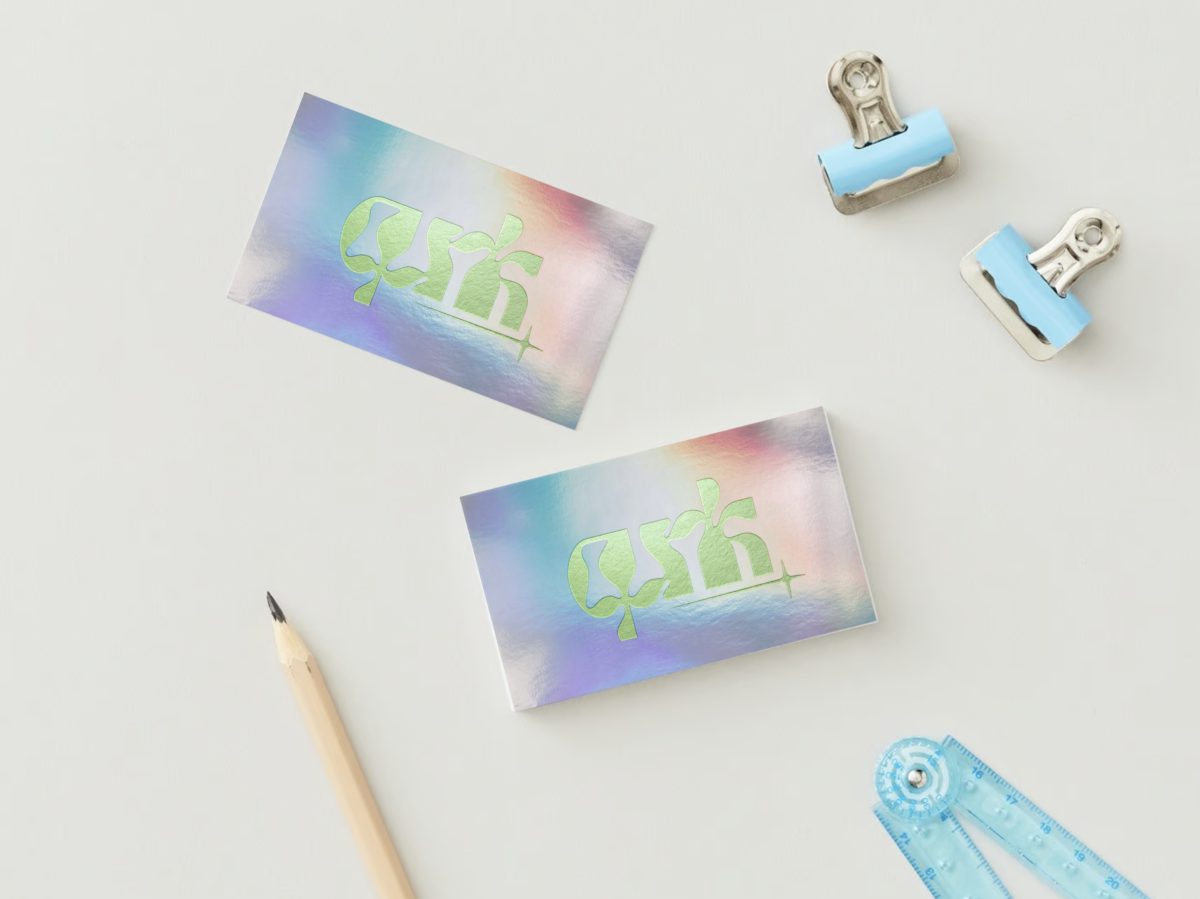
Typography is crucial for the Y2K aesthetic. The fonts you choose can make or break your logo. Thankfully, Canva has a range of fonts perfect for this style.
Here are a few fonts I adore: • Genty
• Tan Moonlight
• Tan Rosebud
Pro tip: Experiment with letter spacing. Bringing letters closer together or making them overlap gives that compact, techy feel that screams Y2K. This step is vital for a standout design.
Step 3: Enhance with Details
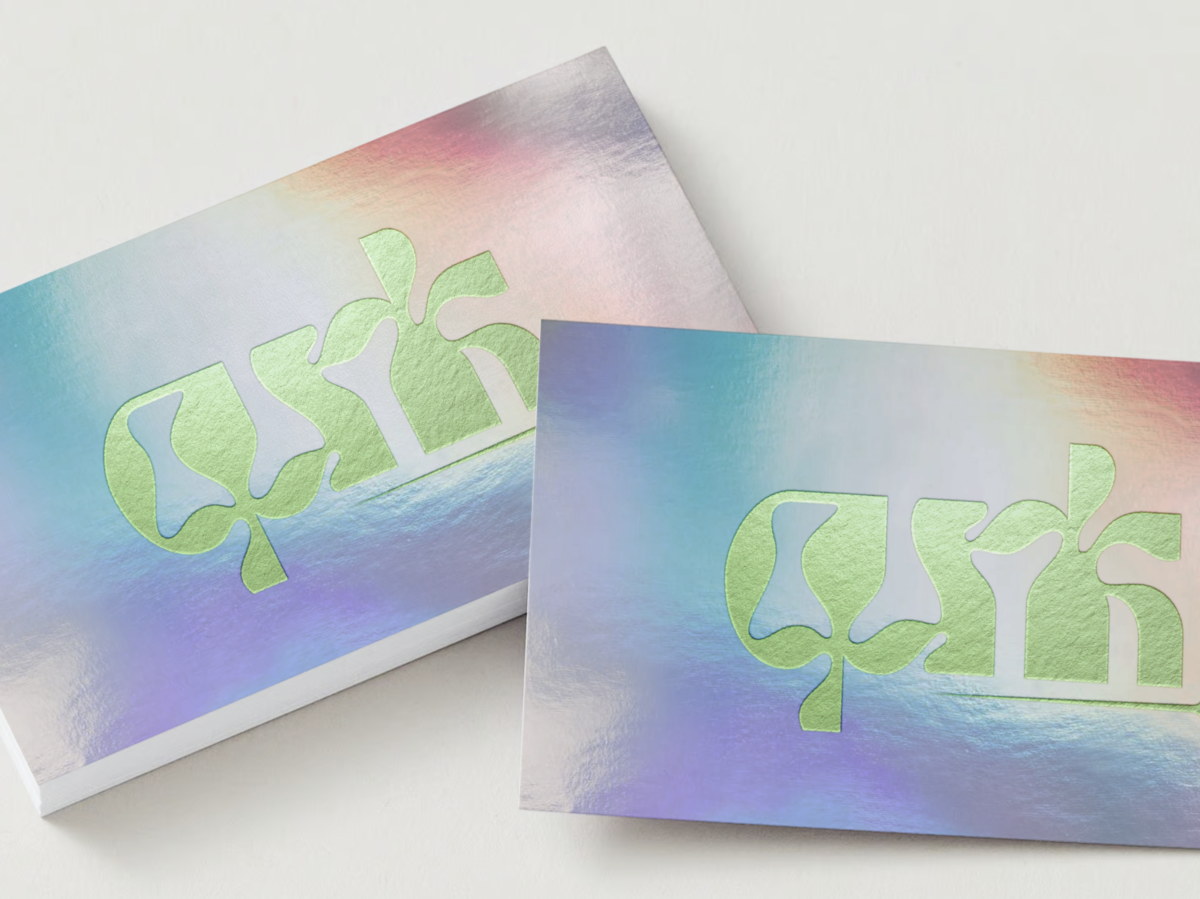
Y2K logos shine with extra details. Stars, metallic shapes, and abstract elements—these features elevate your logo from basic to “Wow, where did you get that?” And yes, you can add these touches using Canva.
Here’s how to add star power:
- Go to the “Elements” tab and search for “star” or “Y2K.”
- Scroll through and select one that matches your vibe. Whether sharp and edgy or soft and rounded, there’s something for everyone.
- Once added, adjust the color and size until it’s just right.
For an extra touch, use metallic colors or gradients. These were huge in the Y2K era and will give your logo a futuristic feel.
Step 4: Save Your Logo Correctly
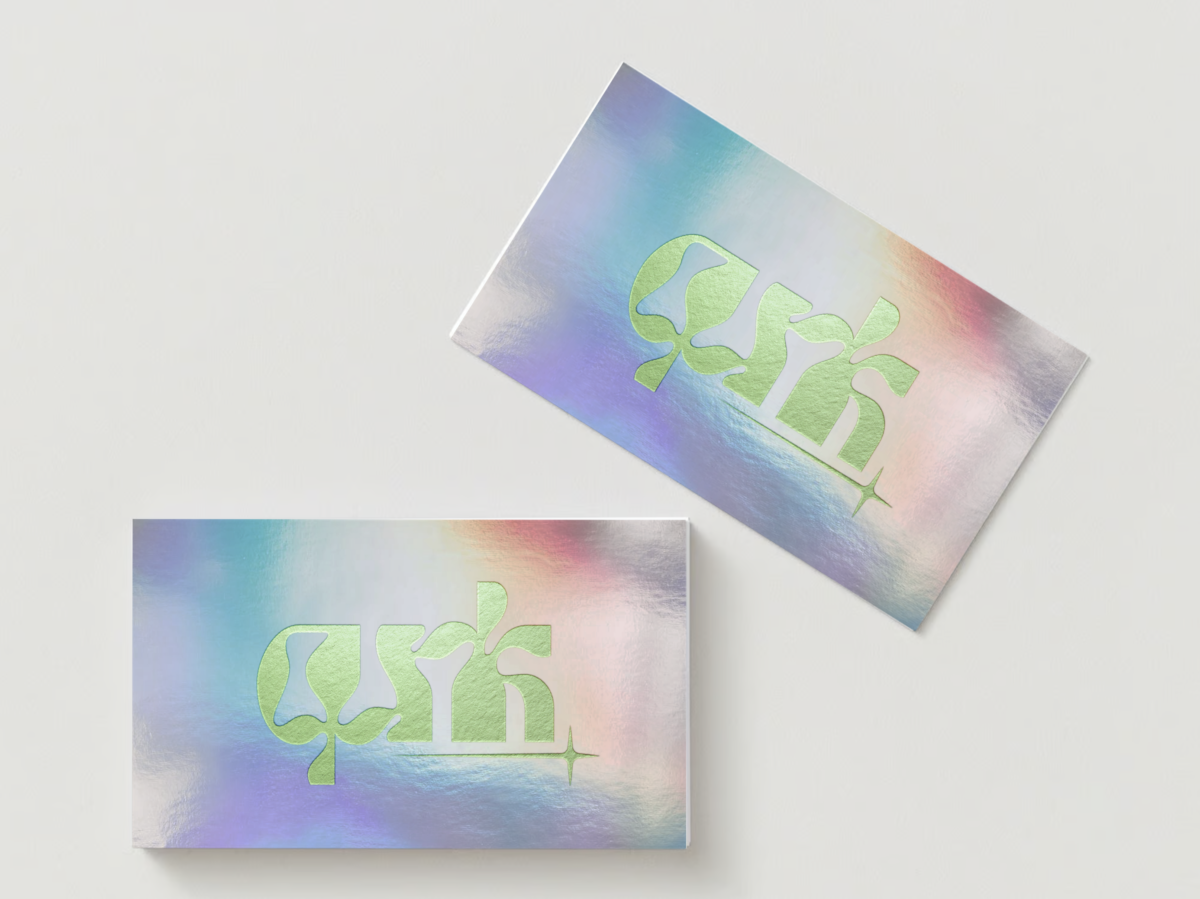
You’ve designed a fabulous free Y2K logo—now it’s time to save it for any use. Save your logo with a transparent background for a professional look.
Here’s how in Canva:
- After finishing your design, click “Share” in the top right corner.
- From the dropdown, select “Download.”
- Choose “PNG” as the file type. PNG supports transparent backgrounds.
- Check the box for “Transparent Background.”
- Click “Download,” and you’re all set.
For maximum versatility (like scaling for a billboard or shrinking for a business card), save it as an SVG file. Don’t forget to select “Transparent Background” here too.
Wrapping It Up
That’s it! You’ve just learned how to create a free Y2K logo without spending a dime or needing fancy design skills. Easy, right? Whether you followed the tutorial step by step or used my free template, you now have a trendy, professional logo capturing the Y2K vibe.
Looking for more logo ideas? Check out my other posts and resources. With a bit of creativity and the right tools, anyone can design something bold, nostalgic, and oh-so-cool.